
Advanced Case Converter
📁 Drag & drop files here or browse
Supported formats: PDF, TXT (Max 10MB)
Introduction
If you’ve ever needed to convert your text to uppercase, lowercase, title case, or sentence case, you know how important a case converter tool can be. Whether you’re drafting social media posts, emails, or academic papers, ensuring your text is properly formatted and consistent is key. Case converter tools provide a simple solution for transforming your text quickly, saving time and effort.
By using a case converter, you can improve your writing’s readability and polish. Whether you’re a professional, student, or someone writing for personal use, these tools are a must-have for efficient content creation.
What is a Case Converter?
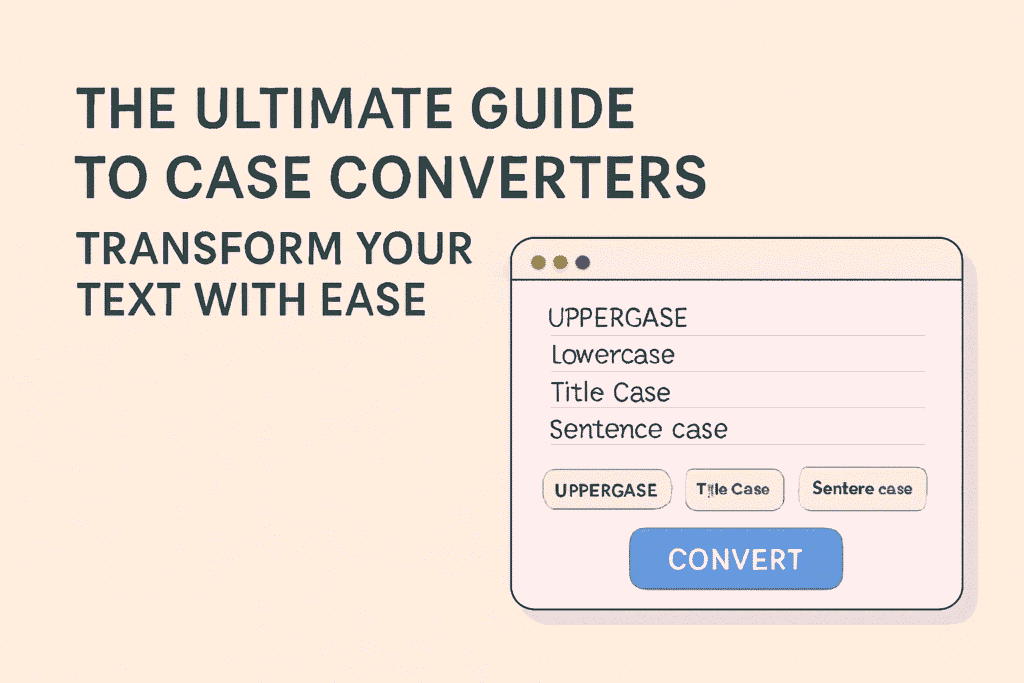
A case converter is an online tool designed to help you change the case of your text. Whether you need to switch from uppercase to lowercase, convert a sentence to title case, or apply sentence case, this tool provides an easy way to transform your content.
These tools are especially useful for writers, bloggers, social media managers, and anyone needing to format text for professional communication. For example, you can convert an entire paragraph from uppercase to lowercase with just one click. This feature comes in handy when you want to streamline your content for readability.
How to Use a Case Converter Tool?
Using a case converter tool is simple and quick. Here’s a step-by-step guide on how to use it:
- Copy your text from the document or source.
- Open a case converter tool such as ConvertCaseEasy or CaseConverter.com.
- Paste your text into the provided input field.
- Select your desired text case: uppercase, lowercase, title case, or sentence case.
- Hit the convert button, and your text will be transformed in seconds.
These tools are available online for free, so you don’t need to install any software or worry about compatibility issues. They’re available for anyone, whether you’re a beginner or an expert.
Best Case Converter Tools for 2025
Here are some of the best case converter tools that you can use in 2025:
- ConvertCaseEasy: A straightforward, easy-to-use tool that allows you to convert text to uppercase, lowercase, title case, and more.
- CaseConverter.com: This tool provides a simple interface for quick text case conversion, with no extra frills.
- Text-Case.com: A popular option for those looking for a fast, efficient case converter that works well with both short and long texts.
These tools are reliable, free, and incredibly user-friendly. You can use them to ensure that your content is formatted correctly in just a few clicks.
Benefits of Using a Case Converter Tool
Using a case converter tool offers several benefits:
- Time-Saving: It’s much quicker to convert your text using a tool than to do it manually, especially when working with large amounts of content.
- Consistency: Whether you’re writing for social media or a formal report, case converters ensure that your text stays consistent across different platforms.
- Professional Appearance: Tools allow you to convert your text into a polished format, making it look more professional.
These tools are perfect for anyone looking to improve their writing and save time while doing so. You can easily convert text for emails, web pages, or any other written content.
Common Use Cases for Case Converters
Case converter tools are versatile and can be used in various scenarios, including:
- Social Media: Ensure your posts are readable and eye-catching by converting them to title case or sentence case.
- Emails: Use these tools to make your emails appear neat and consistent, especially when sending professional communications.
- Academic Writing: Proper formatting is crucial for essays and research papers. A case converter can help maintain a consistent format throughout.
- Web Content: Bloggers and website owners can use these tools to ensure their content is correctly formatted for readability.
By using a case converter tool, you can improve the readability and presentation of your writing, whether it’s for professional or personal u
Case Converters (FAQs)
- What is a case converter? A case converter is an online tool that allows you to change the case of your text, whether you want it in uppercase, lowercase, title case, or sentence case.
- Why should I use a case converter? Case converters help save time, ensure consistency, and give your text a polished, professional appearance. They’re especially useful for large amounts of text.
- Is a case converter tool free? Yes, most case converter tools are free to use and don’t require any installation.
- Can I convert text in bulk using a case converter? Yes, many case converter tools allow you to convert large chunks of text at once, making them ideal for lengthy documents.
Conclusion
In conclusion, case converter tools are invaluable for anyone looking to streamline their writing. They save you time, improve readability, and give your text a professional touch. Whether you’re writing for social media, email, or academic purposes, these tools can help you achieve the perfect format in no time.
You can use a case converter tool today to make your writing easier.